WordPress Speed Optimization: Plugins for Your Site
In today’s fast-paced digital world, a slow website is a significant disadvantage. This article delves into the critical area of WordPress speed optimization, exploring how various plugins can transform your website’s performance and user experience.
Understanding WordPress Speed Optimization
What is WordPress Speed Optimization?
WordPress speed optimization refers to the process of enhancing your WordPress site’s loading speed and overall website performance. The goal is to make your website load faster, providing a seamless experience for visitors and improving your search engine rankings. This involves various techniques, from minimizing file sizes and optimizing images to leveraging caching and efficient code. Effective WordPress speed optimization addresses numerous factors that can slow down your site, ensuring a snappier and more responsive WordPress website. Ultimately, it’s about making your WordPress installation as efficient as possible.
Importance of Speed for Your WordPress Site
The speed of your WordPress site is paramount for several reasons, directly impacting user experience, conversion rates, and search engine visibility. A slow website can deter visitors, leading to high bounce rates and lost opportunities. In contrast, a fast-loading site keeps users engaged, encouraging them to explore more content and potentially convert into customers. Search engines like Google prioritize fast-loading websites, meaning that good WordPress speed optimization can significantly improve your search engine rankings and organic traffic. Prioritizing WordPress speed is an investment in the overall success and reach of your online presence.
Core Web Vitals and Their Impact on Optimization
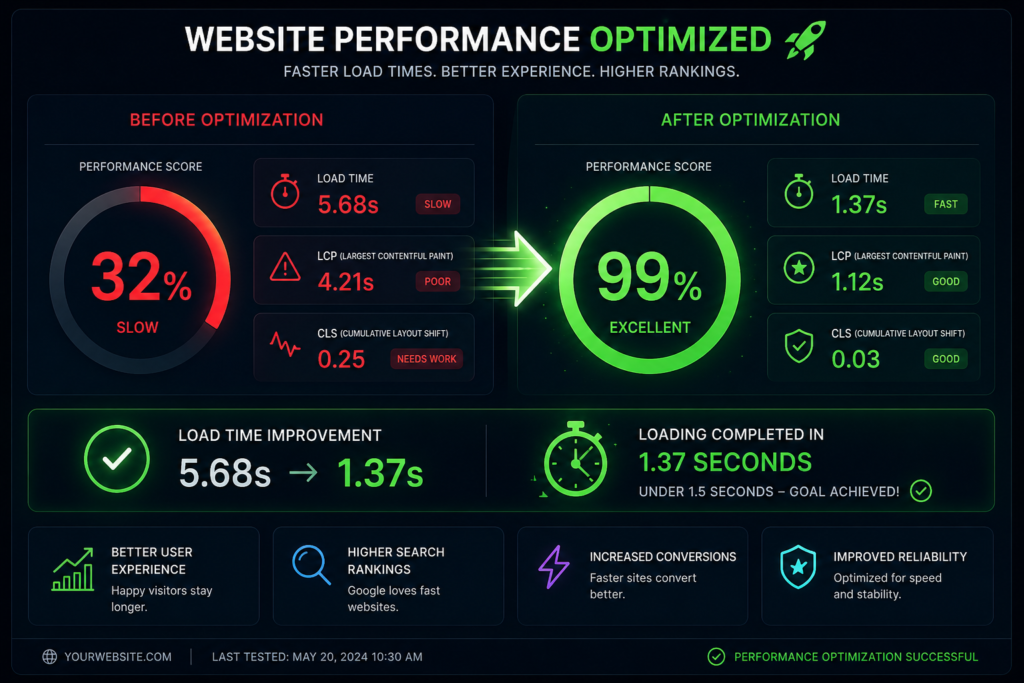
Core Web Vitals are a set of specific factors that Google considers important in a webpage’s overall user experience, directly influencing how your WordPress site ranks. These metrics – Largest Contentful Paint (LCP), First Input Delay (FID), and Cumulative Layout Shift (CLS) – measure loading performance, interactivity, and visual stability, respectively. Achieving good Core Web Vitals scores is now crucial for any WordPress speed optimization strategy, as they directly impact your site’s visibility in search results. Therefore, any effective speed optimization effort for your WordPress website must meticulously address these vital performance indicators to ensure a faster website and better search engine standing.
Essential Plugins for Speed Optimization
Top WordPress Plugins to Speed Up Your Site
To significantly improve your website’s performance, leveraging the right WordPress plugins is crucial. These plugins are specifically designed for WordPress speed optimization, helping to address common issues that can slow down your site. From caching solutions that reduce server load to image optimization tools that compress image files without sacrificing quality, each plugin plays a vital role in enhancing your loading speed. Effective use of these WordPress plugins can drastically improve your website’s page load times, ensuring a faster website that provides a superior user experience, ultimately contributing to better Core Web Vitals scores and overall WordPress performance.
Comparing WP Rocket and Other Caching Plugins
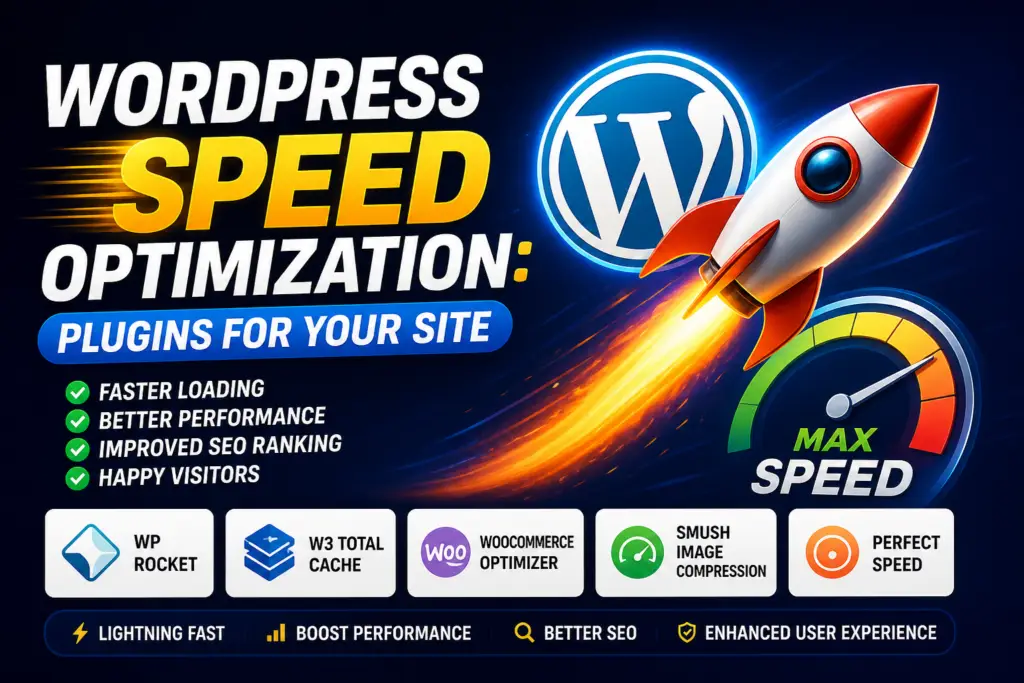
When it comes to caching plugins, WP Rocket stands out as a premium solution for WordPress speed optimization due to its user-friendly interface and comprehensive features. While plugins like WP Rocket offer a robust all-in-one approach to cache management, including page caching, browser caching, and GZIP compression, other notable options exist. W3 Total Cache and WP Super Cache are popular free alternatives that also provide extensive caching functionalities, though they often require more configuration effort. The choice between these caching plugins depends on your technical expertise and specific needs, but all aim to reduce server load and accelerate page loading times for your WordPress site.
Optimization Plugins that Enhance Loading Speed
Beyond dedicated caching solutions, a range of optimization plugins can further enhance your WordPress site’s loading speed. Plugins for image optimization, such as Smush or Imagify, are essential for compressing image files and implementing lazy load, preventing large image files from slowing down your site. Furthermore, plugins designed to optimize CSS and JavaScript files, by minifying and combining them, can significantly reduce overall file sizes and improve page load times. These optimization plugin choices, when combined with a strong hosting provider and a CDN, create a comprehensive strategy for WordPress speed optimization, ensuring a faster website and an excellent user experience.
Implementing Speed Optimization Techniques
How to Optimize Your WordPress Site with Plugins
To significantly improve your website’s performance, leveraging the right WordPress plugins is crucial. These plugins are specifically designed for WordPress speed optimization, helping to address common issues that can slow down your site. From caching solutions that reduce server load to image optimization tools that compress image files without sacrificing quality, each plugin plays a vital role in enhancing your loading speed. Effective use of these WordPress plugins can drastically improve your website’s page load times, ensuring a faster website that provides a superior user experience, ultimately contributing to better Core Web Vitals scores and overall WordPress performance. Beyond dedicated caching solutions, a range of optimization plugins can further enhance your WordPress site’s loading speed. Plugins for image optimization, such as Smush or Imagify, are essential for compressing image files and implementing lazy load, preventing large image files from slowing down your site. Furthermore, plugins designed to optimize CSS and JavaScript files, by minifying and combining them, can significantly reduce overall file sizes and improve page load times. These optimization plugin choices, when combined with a strong hosting provider and a CDN, create a comprehensive strategy for WordPress speed optimization, ensuring a faster website and an excellent user experience.
Best Practices for Improving Website Performance
Implementing best practices is fundamental to successful WordPress speed optimization, moving beyond just installing plugins to a more holistic approach. This includes choosing a reliable hosting provider that offers a robust hosting environment, as server response time is a critical factor in website performance. Minimizing WordPress bloat by removing unnecessary themes, plugins, and media files can drastically reduce your WordPress site’s overall footprint, leading to faster loading. Regular database optimization and keeping your WordPress installation, themes, and plugins updated are also crucial for maintaining optimal site speed and security, ensuring your WordPress website remains a faster website. Furthermore, leveraging a Content Delivery Network (CDN) is a powerful strategy to improve your website’s performance by serving static content from servers geographically closer to your users, thereby reducing latency. Implementing lazy load for images and videos ensures that media only loads when it’s visible in the user’s viewport, significantly speeding up initial page loading. Optimizing image files through proper compression and choosing modern formats like WebP also contributes greatly to reducing file sizes. These practices, combined with effective caching and CSS/JavaScript compression, form a robust foundation for continuous WordPress speed optimization, ensuring an exceptional user experience.
Monitoring Your Site’s Load Time and Performance
Consistent monitoring of your WordPress site’s load time and overall performance is indispensable for effective WordPress speed optimization. Tools like Google PageSpeed Insights, GTmetrix, and Pingdom offer invaluable insights into your site speed, identifying bottlenecks and areas for improvement. These tools provide detailed reports on metrics such as Largest Contentful Paint (LCP), First Input Delay (FID), and Cumulative Layout Shift (CLS), which are critical Core Web Vitals. Regularly tracking these metrics allows you to assess the impact of your optimization efforts and fine-tune your strategies, ensuring your WordPress website consistently delivers a fast and responsive experience. Proactive monitoring helps you quickly identify when your site speed starts to degrade, allowing for prompt intervention before it significantly impacts user experience or search engine rankings. It’s not enough to simply implement speed optimization plugins and techniques; ongoing vigilance is required to maintain a faster website. By regularly testing your page load times and analyzing performance data, you can continually refine your image compression, caching plugin configurations, and overall WordPress optimization strategies. This continuous process of monitoring and adjustment is key to sustaining optimal site performance and ensuring your WordPress site remains highly competitive.
Choosing the Right Hosting for Speed Optimization
Impact of WordPress Hosting on Site Speed
The choice of WordPress hosting has a profound and often underestimated impact on your WordPress site’s speed and overall website performance. A subpar hosting environment can negate even the most diligent WordPress speed optimization efforts, while a robust hosting provider lays a strong foundation for a faster website. Factors such as server response time, server location, and the quality of server hardware directly influence your site’s loading speed. Shared hosting, for instance, might be budget-friendly but can lead to slower page load times due to shared resources, contrasting sharply with dedicated or managed WordPress hosting which offers optimized configurations for WordPress performance. Therefore, selecting the right hosting is a critical first step in any comprehensive speed optimization strategy.
Recommended Hosting Providers for Optimal Performance
For optimal WordPress performance and superior WordPress speed optimization, certain hosting providers consistently outperform others. Managed WordPress hosting services like Kinsta, WP Engine, and SiteGround are highly recommended because they are specifically engineered to optimize WordPress sites. These providers offer features crucial for a faster website, including server-level caching, integrated Content Delivery Networks (CDNs), and advanced security measures, all contributing to exceptional loading speed. They also ensure that your WordPress installation operates within an optimized hosting environment, minimizing server response times and efficiently handling traffic spikes. Investing in such a hosting provider is a strategic move to significantly improve your website’s performance and achieve excellent Core Web Vitals scores.
How Hosting Choices Affect Plugin Performance
The hosting choices you make directly influence how effectively your WordPress plugins perform, particularly those geared towards WordPress speed optimization. A powerful hosting environment with ample resources allows caching plugins, image optimization tools, and other performance enhancement plugins to operate at their full potential, efficiently reducing server load and speeding up your WordPress website. Conversely, a cheap or underpowered hosting provider can throttle these plugins, preventing them from effectively compressing image files, managing CSS and JavaScript files, or implementing advanced caching strategies. For instance, a quality hosting solution will seamlessly integrate with a caching plugin like WP Rocket, enhancing its ability to accelerate page loading. Therefore, a good hosting provider is essential to ensure that your speed optimization plugins can truly optimize WordPress and deliver a faster website.